from openai import OpenAI
from langsmith.wrappers import wrap_openai
client = wrap_openai(OpenAI())
response = client.chat.completions.create(
    model="gpt-4-turbo",
    messages=[
      {
        "role": "user",
        "content": [
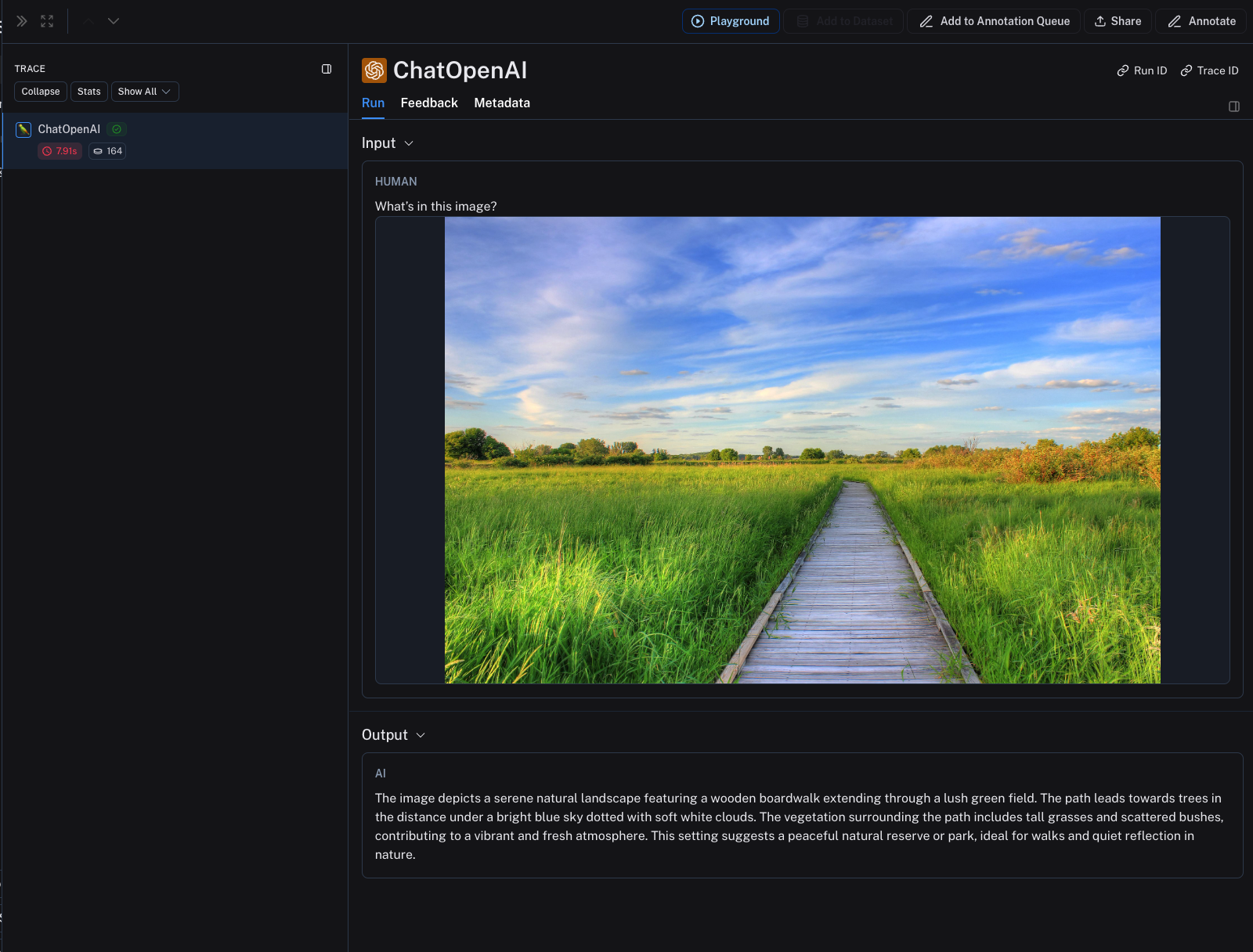
          {"type": "text", "text": "What's in this image?"},
          {
            "type": "image_url",
            "image_url": {
              "url": "https://upload.wikimedia.org/wikipedia/commons/thumb/d/dd/Gfp-wisconsin-madison-the-nature-boardwalk.jpg/2560px-Gfp-wisconsin-madison-the-nature-boardwalk.jpg",
            },
          },
        ],
      }
    ],
)
print(response.choices[0])