

create_agent 创建的智能体无缝协作。此 UI 旨在以最少的设置为您的智能体提供丰富的交互体验,无论您是在本地运行还是在部署环境中运行(例如 LangSmith)。
Agent Chat UI
Agent Chat UI 是一个 Next.js 应用程序,为与任何 LangChain 智能体交互提供对话界面。它支持实时聊天、工具可视化以及时间旅行调试和状态分叉等高级功能。 Agent Chat UI 是开源的,可以适应您的应用程序需求。Features
Tool visualization
Tool visualization
Studio automatically renders tool calls and results in an intuitive interface.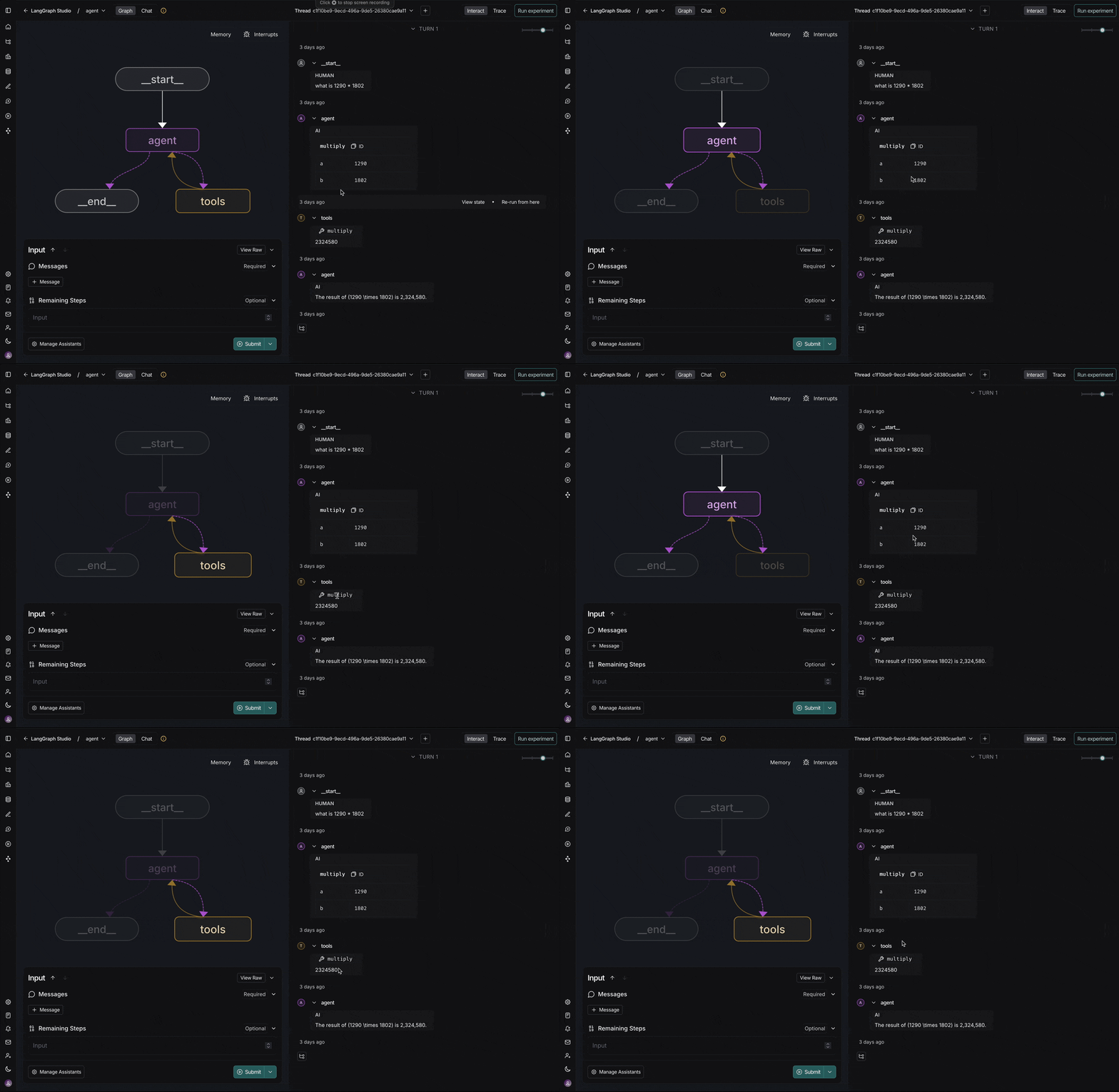
Time-travel debugging
Time-travel debugging
Navigate through conversation history and fork from any point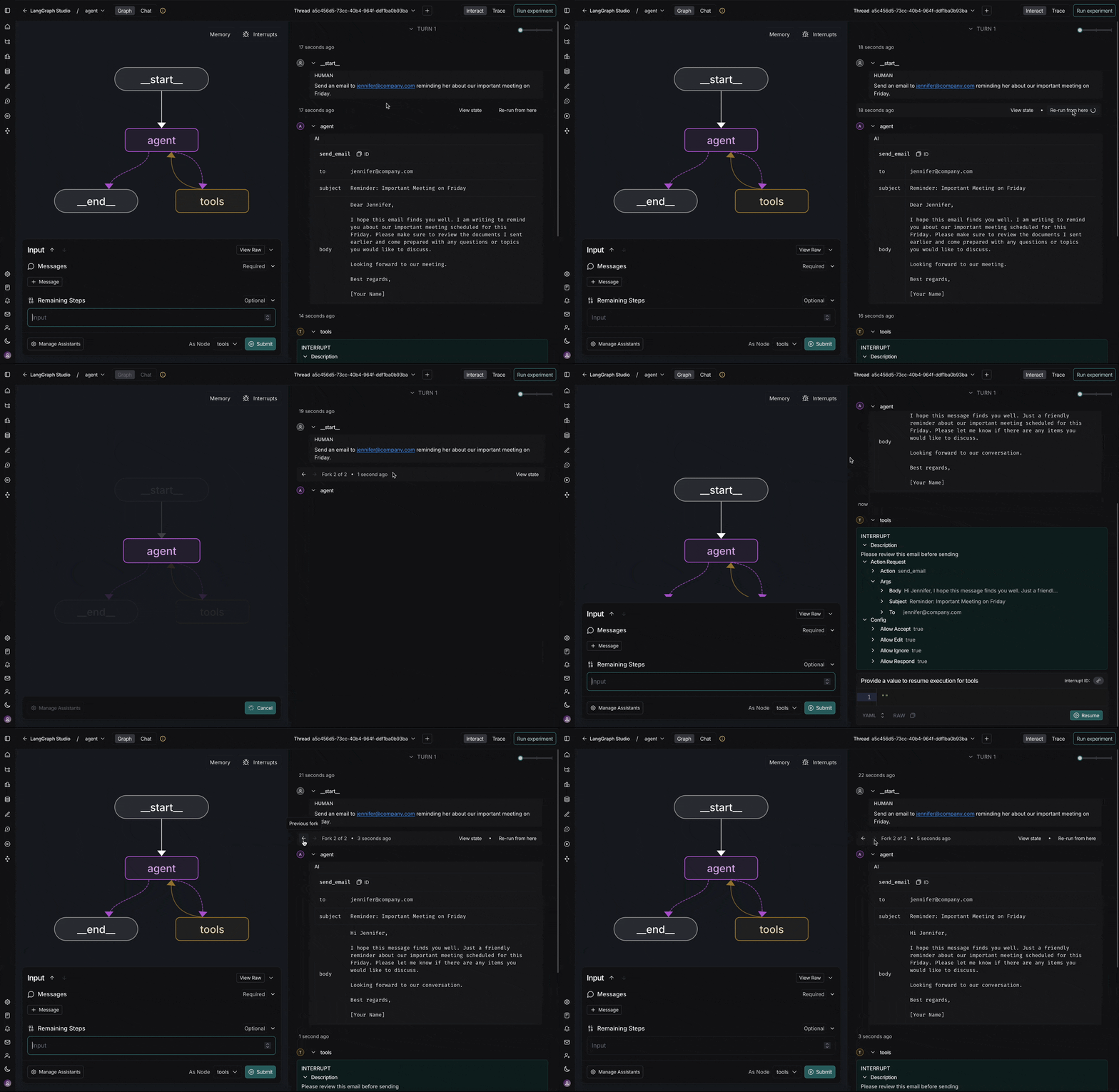
State inspection
State inspection
View and modify agent state at any point during execution
Human-in-the-loop
Human-in-the-loop
Built-in support for reviewing and responding to agent requests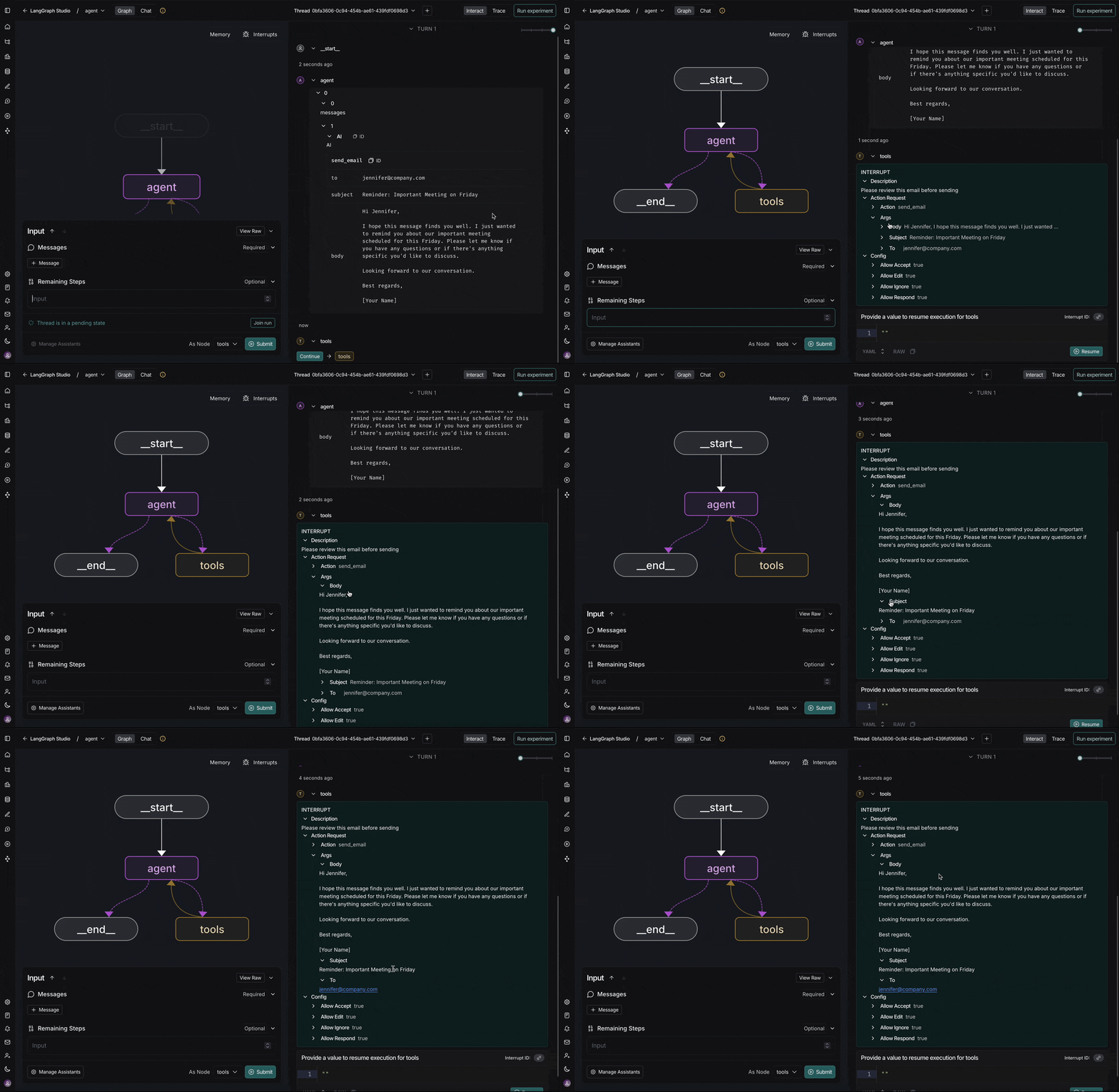
Quick start
The fastest way to get started is using the hosted version:- Visit Agent Chat UI
- Connect your agent by entering your deployment URL or local server address
- Start chatting - the UI will automatically detect and render tool calls and interrupts
本地开发
对于自定义或本地开发,您可以在本地运行 Agent Chat UI:连接到您的智能体
智能体聊天 UI 可以连接到本地和已部署的智能体。 启动智能体聊天 UI 后,您需要配置它以连接到您的智能体:- 图 ID:输入您的图名称(在
langgraph.json文件的graphs下查找) - 部署 URL:您的智能体服务器的端点(例如,本地开发使用
http://localhost:2024,或您已部署智能体的 URL) - LangSmith API 密钥(可选):添加您的 LangSmith API 密钥(如果您使用本地智能体服务器则不需要)